




Face recognition
Contactless and fast at peak times; nobody can clock in for a colleague.
Biometric time clocks
The device at the door is only the start: every punch reaches EASY-RH, where it meets schedules, leave and payroll. We help you choose the model, then install and connect it.
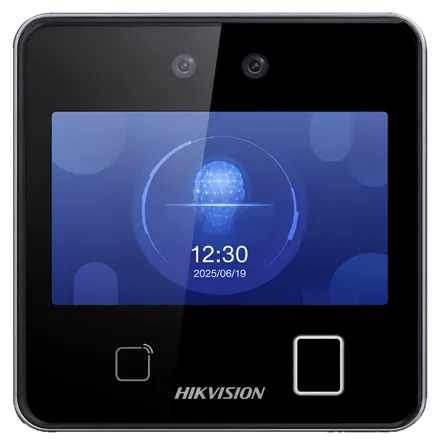
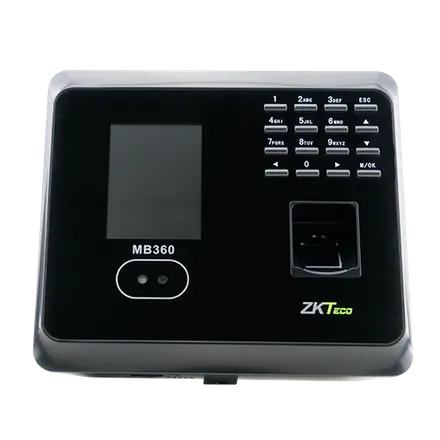
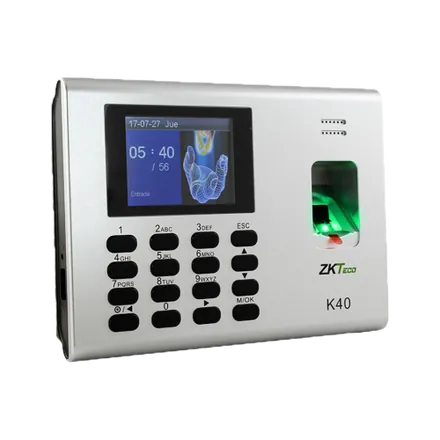
Identification
Contactless and fast at peak times; nobody can clock in for a colleague.
A well-tried, budget-friendly option for offices and shop floors.
Easy to hand out, often alongside biometrics.
Catalogue
Our range covers ZKTeco and Hikvision. The figures below are quoted from each maker's documentation, and we help you match a model to your workforce and building.
Hikvision
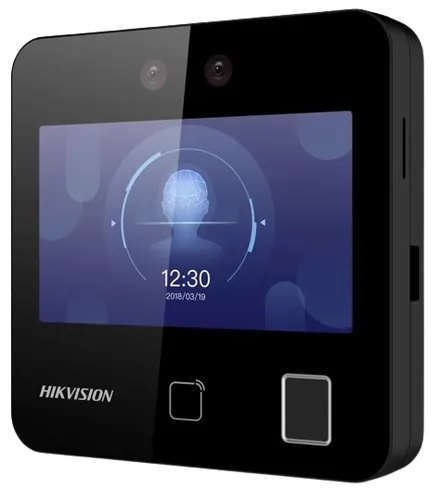
Hikvision
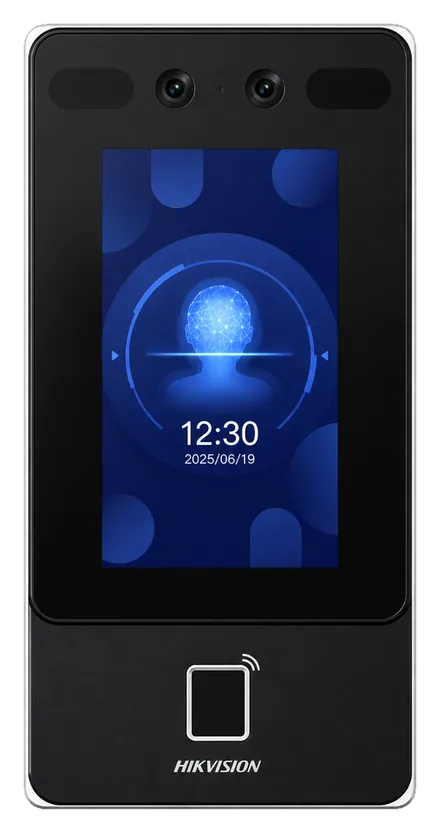
Hikvision
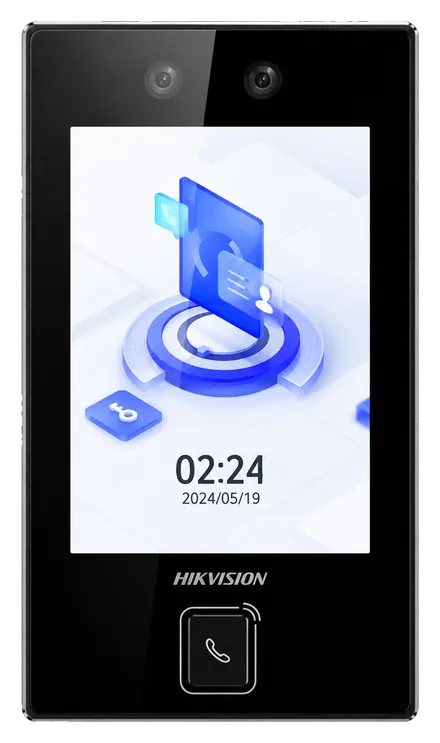
Hikvision
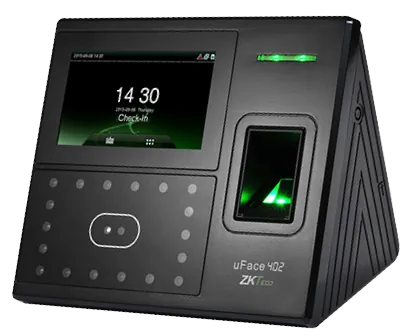
ZKTeco
ZKTeco
ZKTeco
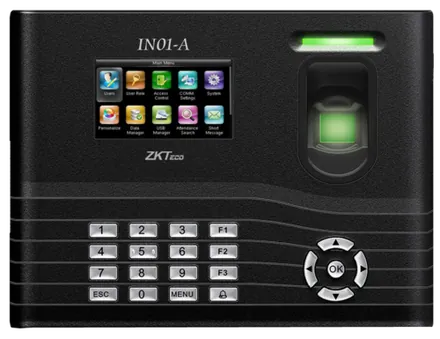
ZKTeco
Choosing
| Question | What guides the choice |
|---|---|
| How many employees? | The device's capacity in faces, fingerprints or badges |
| Indoors or outdoors? | The protection rating: IP65 for an exposed device |
| Is contact acceptable? | Face recognition, contactless, for food or healthcare |
| How many at the same minute? | Identification speed at shift change |
| What about power cuts? | PoE or a built-in battery |
Already have devices? We test them: compatible models are kept and connected to EASY-RH.
Installation
Mounting and connection to EASY-RH, arranged on request in any Moroccan city.
Each employee's fingerprint, face or badge registered.
For each device, its status and the date of the last punch received.
Offices and small workshops do well with a K40 or IN01-A fingerprint unit, or an MB360 that mixes several methods. Large teams or strict hygiene rules call for face recognition.
It can, if the casing is sealed: Hikvision gives both the DS-K1T342MFWX and the DS-K1T344MX-E1 an IP65 rating.
The K40 and IN01-A keep running on battery. Whatever a device has stored is sent on to EASY-RH afterwards.
Not necessarily: a site without a device can use clock-in by phone. See the HR app.
Time clocks, phone, lateness, hours and schedules.
Assessment, data import, installation and training.
On the phone today, Android app coming soon.
Share your headcount and site conditions, and we will suggest a model and how to install it.